How it Works

As a new job comes in (in-person or by phone), a new ticket is created on the job board. If the customer exists, just pick it from the search. If not, add that customer and the item to be worked on (also known as the “resource”. One customer can have multiple resources (i.e.: two cars).
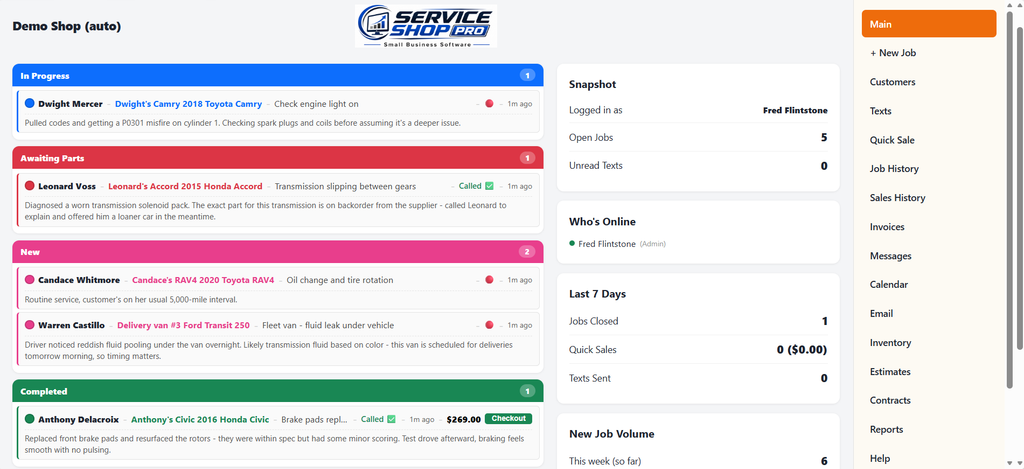
What you see below is the job board. All current work and where they are in the process:
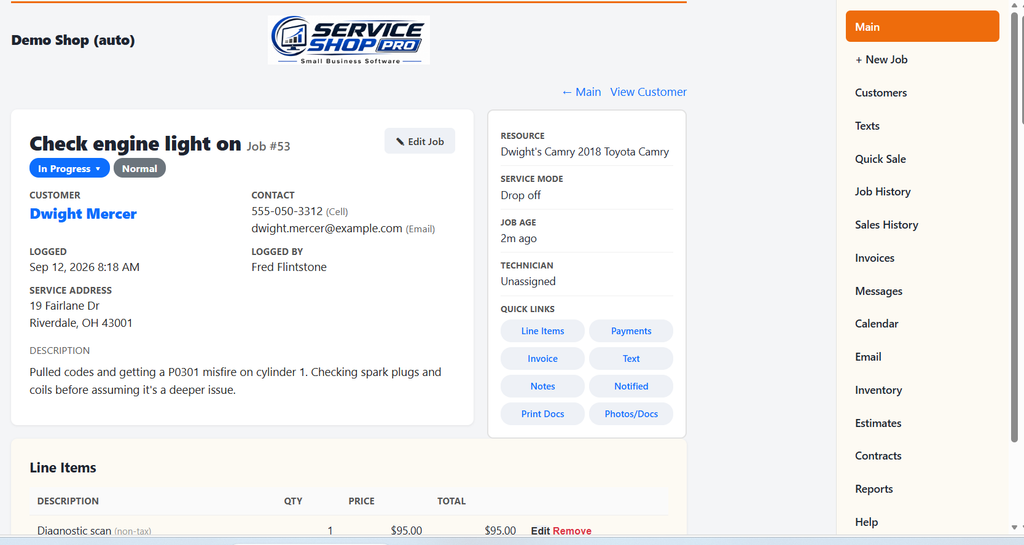
Click on any job to open the job details:
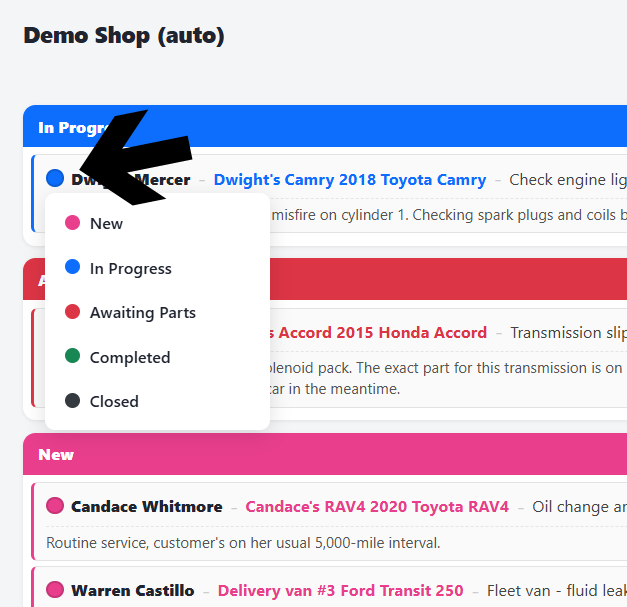
Change the user-defined status as the job progresses
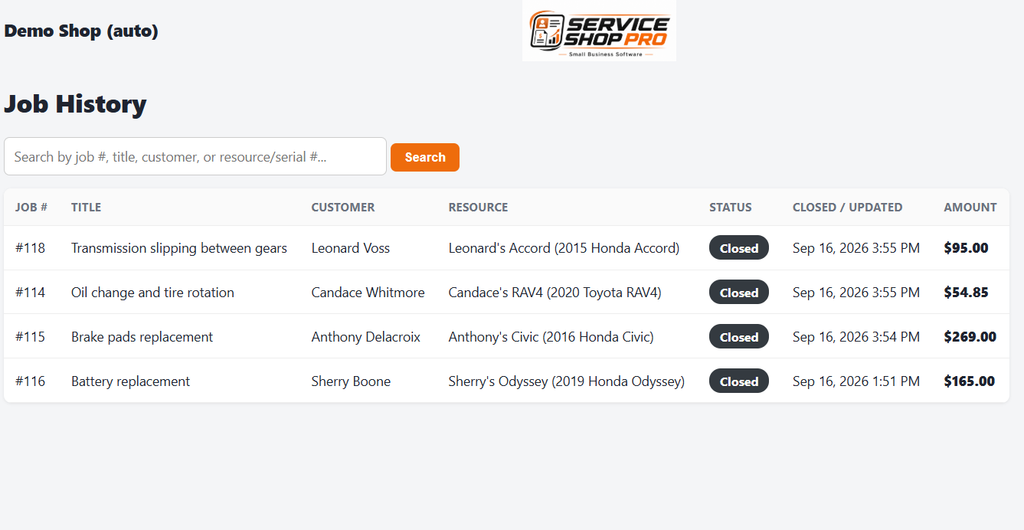
View your job History
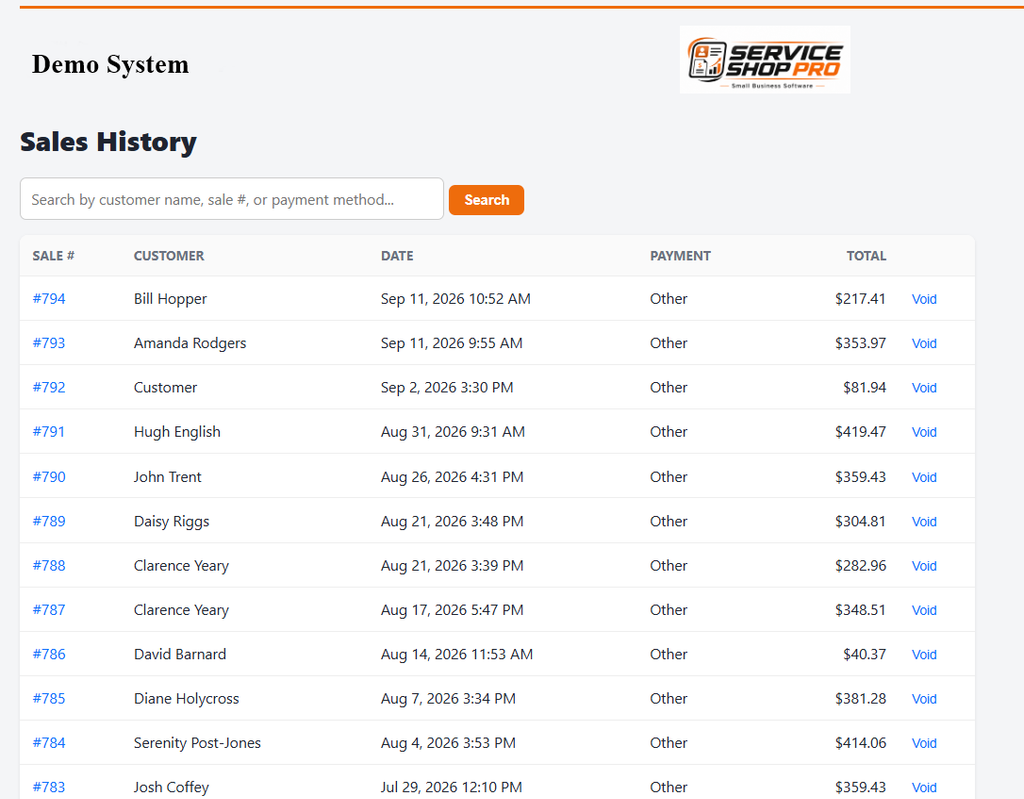
View Sales History
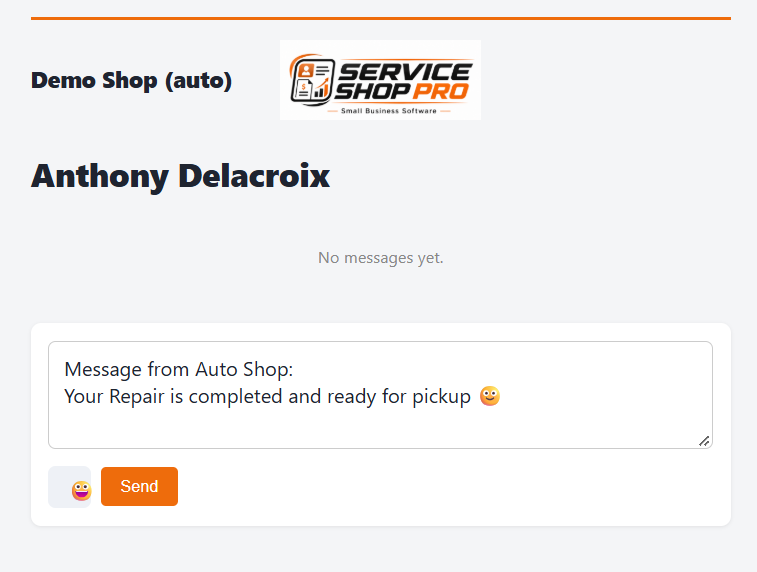
Send and Receive Texts
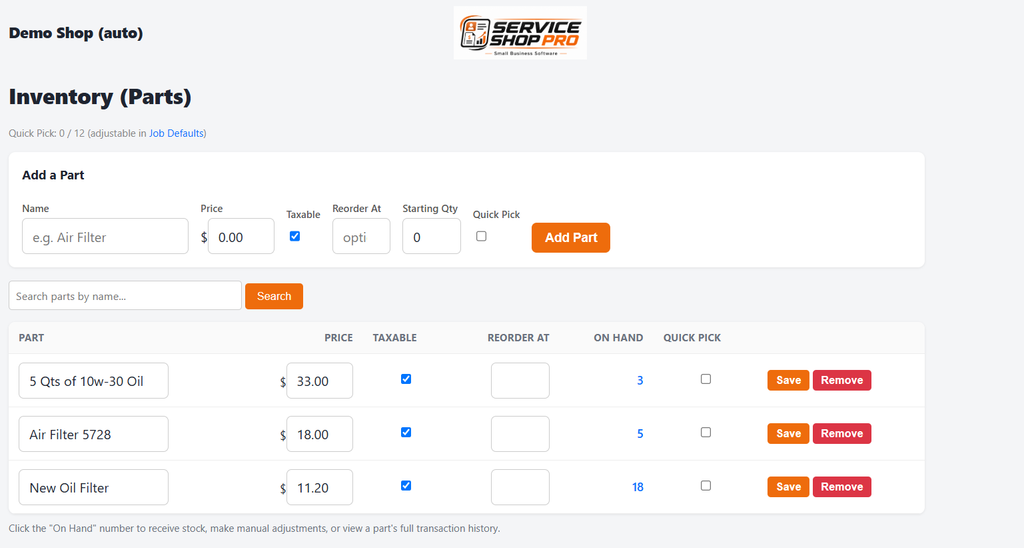
Handle your Inventory
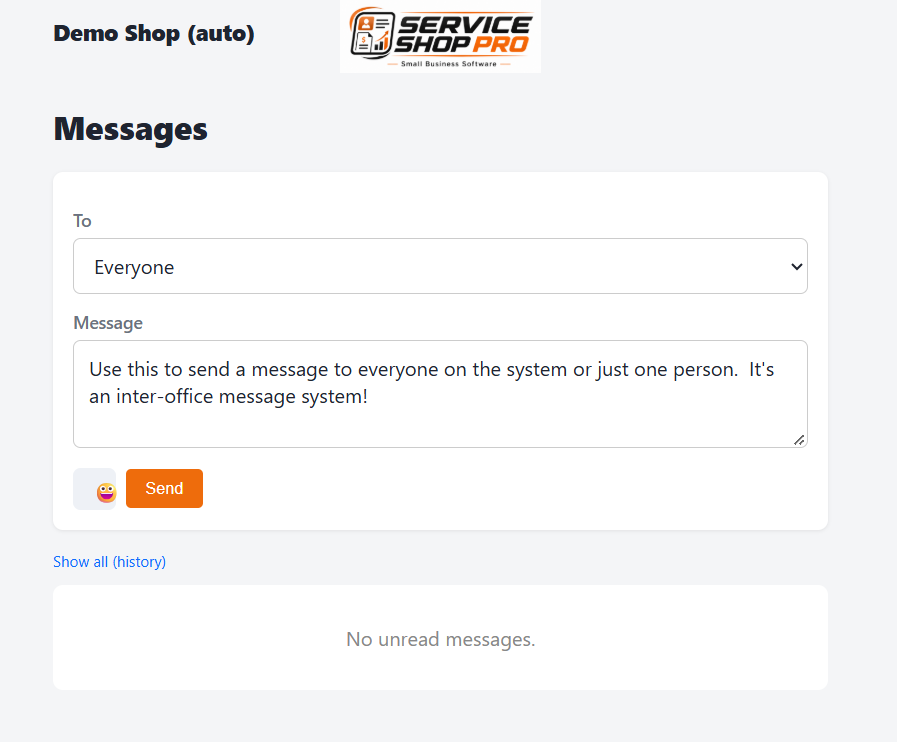
Send Messages to other users
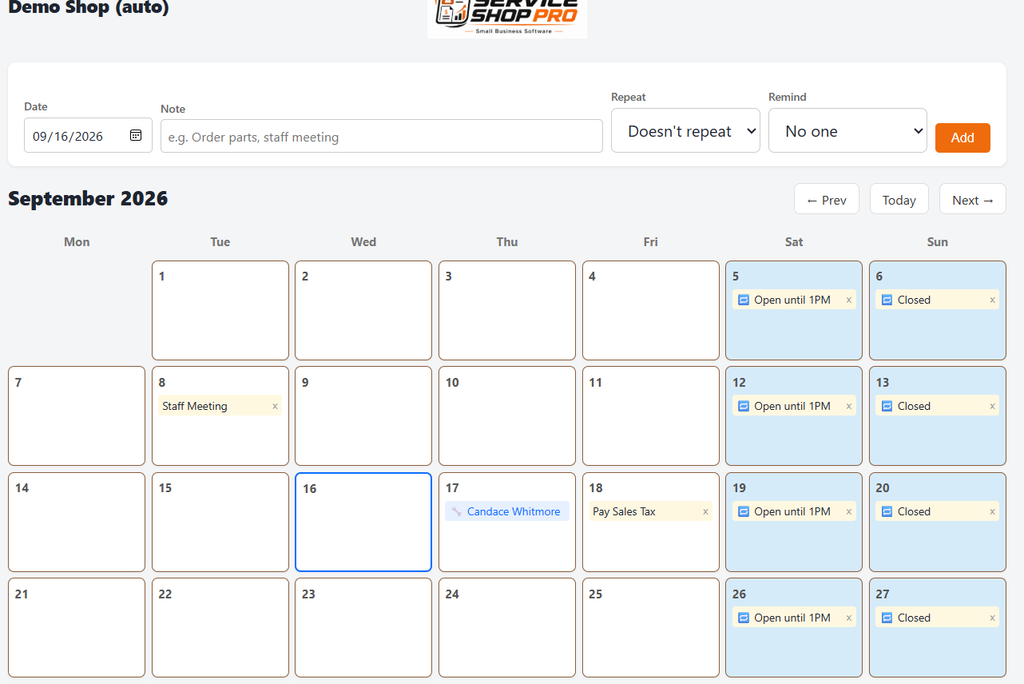
Schedule with the Built-in Calendar
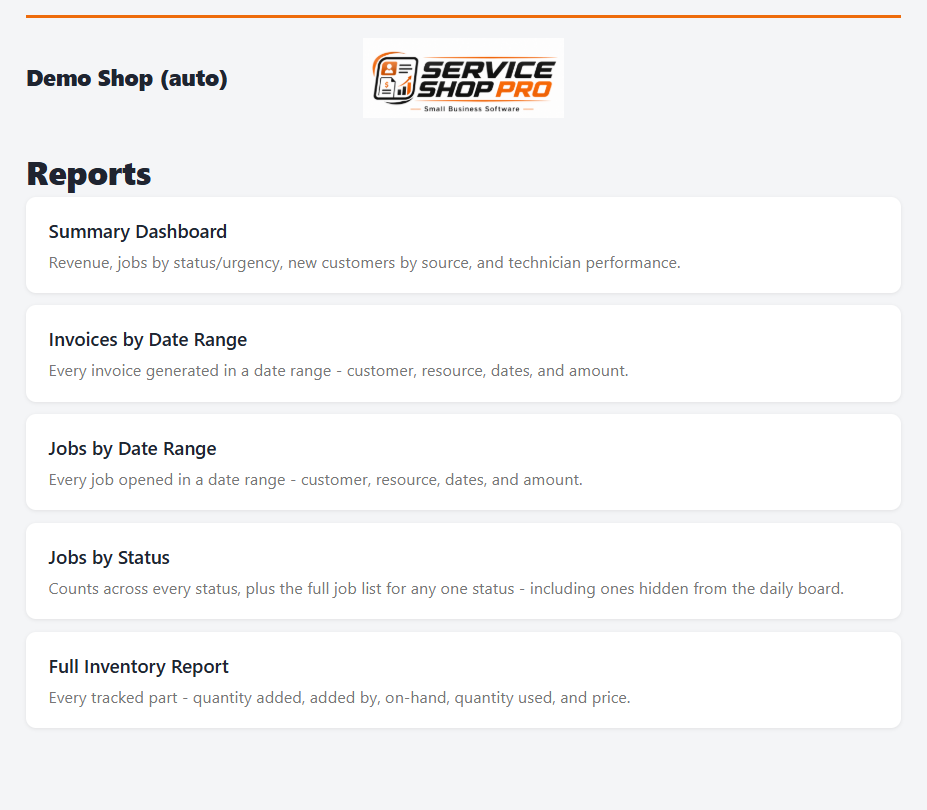
View Reports
These are some of the main features of the software. There are too many to list on this page. The best way to see and try them is to use the demo.
For more information on your specific specialty, follow these links…
Hvac
Computer
Handyman
Automobile
Appliance
Lawnmower
Jewelry
Roofing